How do I unsubscribe from notifications and emails?
Home » FAQs » How do I unsubscribe from notifications and emails?
March 5th 2024
To manage your email preferences and unsubscribe from notifications and emails from Prize Paradise, follow these steps:
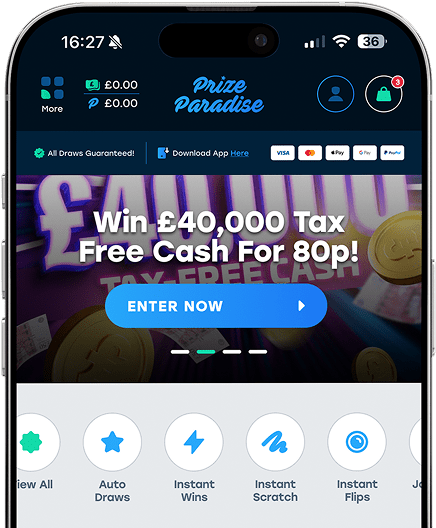
Log In: Log in to your Prize Paradise account using your username and password.
Account Settings: Once logged in, navigate to your account settings or profile settings. You can usually find this option in the top menu or your user dashboard.
Notification Preferences: Look for the notification preferences or email preferences section within your account settings. Here, you should have the option to customise which notifications you receive and how often.
Unsubscribe: Within the notification preferences section, you will typically find an option to unsubscribe or opt out of certain types of emails or notifications.
Save Changes: After making your selections, be sure to save your changes to update your preferences.